
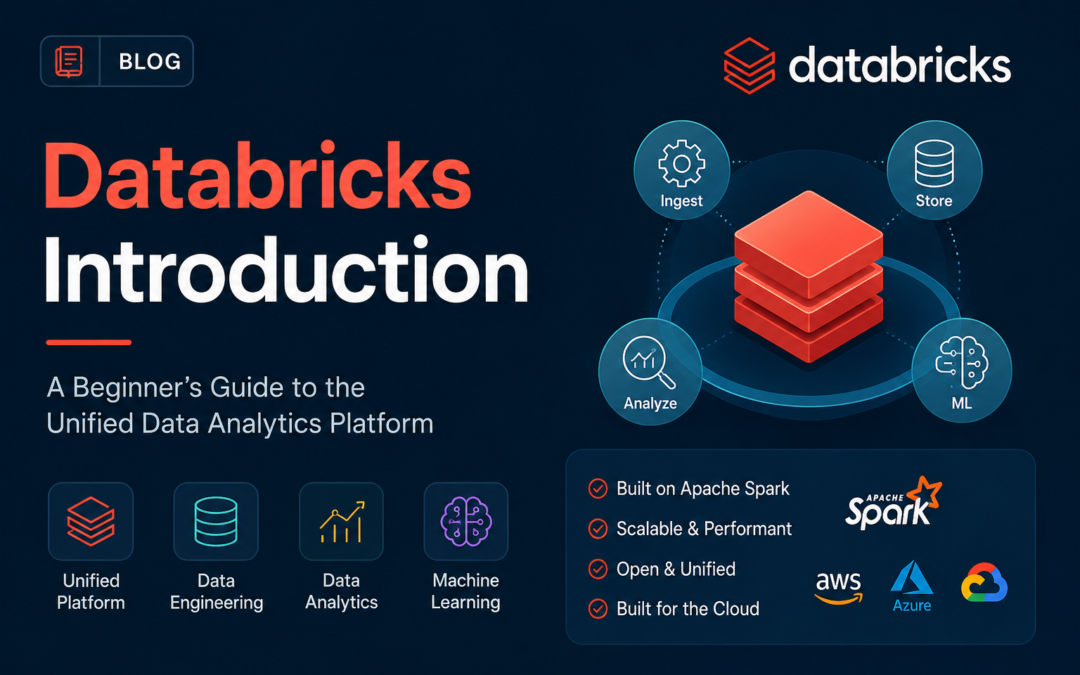
Databricks is a cloud-based data and AI platform built around Apache Spark. Founded in 2013 by the team that originally created Spark at UC Berkeley, Databricks has become one of the most widely used platforms for large-scale data engineering, analytics, machine learning, and artificial intelligence.
At its core, Databricks tries to solve a problem that many organizations face: data is scattered across data lakes and data warehouses, each with its own tools, formats, and governance rules. Databricks proposes a single environment called the lakehouse that combines the flexibility of a data lake with the performance and governance of a data warehouse.
What is the lakehouse architecture?
A lakehouse is an architectural pattern that stores data in open formats on cloud object storage—such as AWS S3, Azure Data Lake Storage, or Google Cloud Storage—while providing the query performance, schema enforcement, and management features traditionally associated with data warehouses.
Databricks implements this idea through Delta Lake, an open-source storage layer that adds reliability, versioning, and performance optimizations to data lakes. Delta Lake stores data as Parquet files but keeps a transaction log that enables features like ACID transactions, time travel, and efficient updates.
Key components of the Databricks platform
Databricks is not just a Spark hosting service. Over the years it has grown into a broad platform with several integrated services. Here are the most important ones for newcomers to understand.
1. Apache Spark
Spark is the distributed computing engine that powers Databricks. It allows users to process large datasets across clusters of virtual machines. Databricks manages cluster provisioning, autoscaling, and performance optimizations so teams can focus on code rather than infrastructure.
2. Delta Lake
Delta Lake is an open-source project that Databricks created and donated to the Linux Foundation. It adds a storage layer on top of data lakes to provide ACID transactions, scalable metadata handling, and unified batch and streaming processing. Because Delta Lake is open format, data is not locked into a proprietary vendor format.
3. Databricks SQL
Databricks SQL gives analysts and business users a familiar SQL interface to query data in the lakehouse. It includes a SQL editor, query history, dashboards, and integration with popular BI tools. The goal is to let SQL users work directly on lakehouse data without needing a separate data warehouse.
4. Unity Catalog
Unity Catalog is Databricks' unified data governance solution. It provides a single place to manage data assets, permissions, lineage, and sharing across workspaces and clouds. For organizations with strict compliance requirements, this centralizes access control and audit logging.
5. Mosaic AI and MLflow
Databricks includes tools for the entire machine learning lifecycle. MLflow is an open-source platform for tracking experiments, packaging models, and managing model deployments. Mosaic AI extends these capabilities with generative AI and large language model features, helping teams build and deploy AI applications on their own data.
Common use cases
Teams adopt Databricks for a wide range of workloads. Some of the most common use cases include:
- ETL and data engineering: building pipelines that ingest, transform, and clean data at scale.
- Data warehousing and BI: running SQL queries and creating dashboards for business reporting.
- Machine learning: training, tracking, and deploying models with MLflow and Databricks runtime.
- Real-time analytics: processing streaming data with Structured Streaming and Delta Live Tables.
- Generative AI: building retrieval-augmented generation and custom AI applications using proprietary data.
Who uses Databricks?
Databricks is used by data engineers, data scientists, analysts, and machine learning engineers across many industries. Its multi-cloud support means organizations can run it on AWS, Azure, or Google Cloud, which reduces cloud vendor lock-in compared to some competing platforms.
The platform is especially popular with teams that already work in Python, SQL, Scala, or R, since Databricks supports notebooks and code-first workflows. It also integrates with tools like Git, dbt, and popular business intelligence platforms.
How to get started
Databricks offers a free Community Edition that lets individuals practice with small clusters and sample datasets. For teams, the commercial offering provides enterprise features such as fine-grained access control, service-level agreements, and advanced security.
A typical first project involves creating a notebook, loading a sample dataset into a Delta table, and running a few SQL or Python queries. From there, users can explore Spark DataFrames, build simple ETL pipelines, and experiment with machine learning models.
Conclusion
Databricks is a comprehensive platform for data engineering, analytics, and AI. Its lakehouse architecture, built on open-source foundations like Apache Spark and Delta Lake, aims to unify data workloads that were previously split between data lakes and warehouses. Whether you are analyzing data with SQL, training machine learning models, or building real-time pipelines, Databricks provides a shared environment for modern data teams.